“Gameplay”
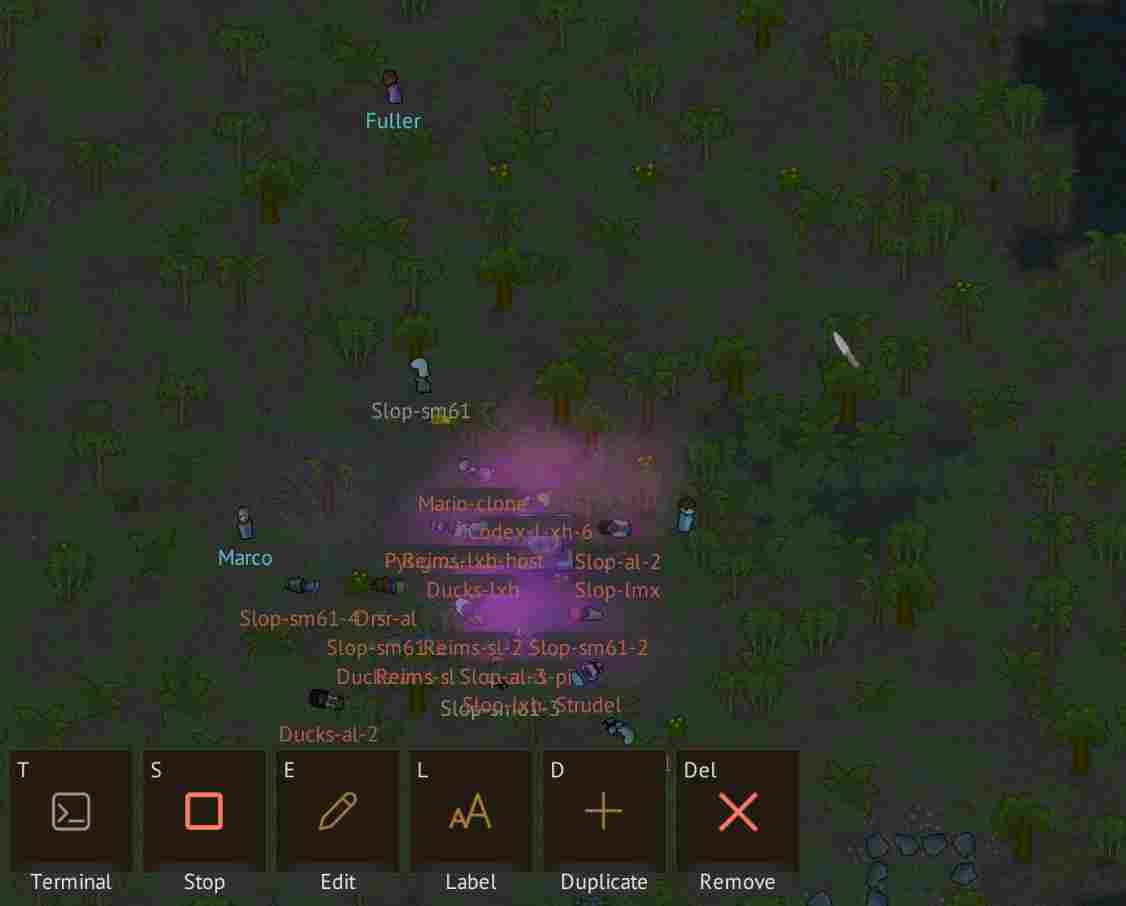
The colony reflects sessions managed by the daemon. Configured agents appear as pawns; workers and temporary errands remain in the sidebar. Host shells have no agent pawn.
Agents
Select an agent on the map and press T to open its terminal. The selected agent’s controls also let you start or stop, edit, duplicate, label, or delete it. See Agent controls for the default keys and Session lifecycle for what each action preserves.
Agents can roll a red clown nose when created or when New look rerolls their appearance. The result is saved with the colony.
Construction
Agents with Working status receive construction work. Interrupted construction keeps its progress. Working and Idle describe terminal activity, so construction is not a measure of task completion. Review the CLI’s result and project changes to check the actual work.
Player controls
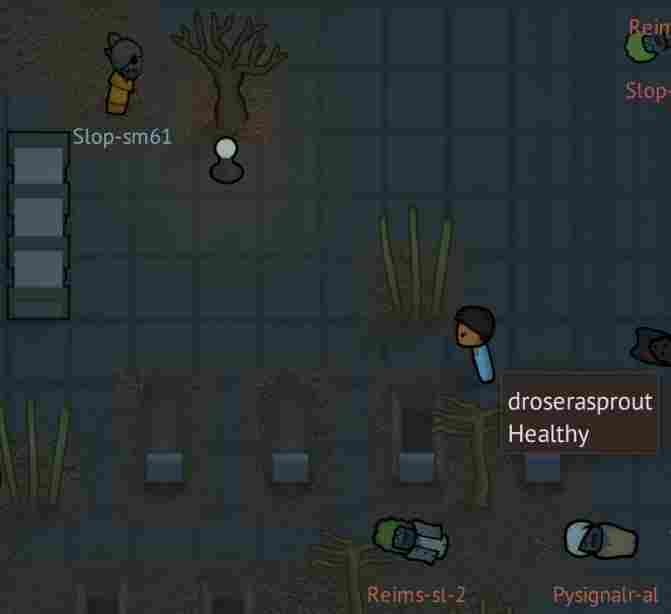
The player pawn can move, cast Fireball, Rejuvenate, teleport, and use Cat whistle. See Player controls for the key bindings.
Cat aura
Click the cat to heal it and restore its surroundings. Each accepted pat adds ten seconds of aura time; repeated pats stack into minutes. The charged aura follows the cat, protecting nearby cells from plague and fire spread while healing nearby pawns and clearing fire and filth once per simulation second. Pats less than 0.4 seconds apart count only once. Each accepted pat also has a 10% chance to turn one nearby empty player-owned grave into a rose, where planting is possible. Occupied graves are left alone. Charge pauses with the simulation, including Eco mode, and resets when the colony reloads.
Eco mode
Eco mode pauses the colony simulation and hides the map while the daemon and agents continue running. The sidebar and terminal interface remain available; map interaction is disabled while the map is hidden. Colony scenes temporarily suspend Eco rest.
Periodic colony autosaves use simulation time, so they pause during Eco rest. Agent output and project edits continue independently of colony saves. See Backup and recovery for preserving the whole workspace.
The frame limiter and VSync are separate controls under Settings > Display. See Display for frame limits and VSync.
Saves
SlopWorld creates a colony on first launch and loads the latest saved colony on later launches. Colony saves and agent processes have separate lifetimes: closing the game leaves agents running while their daemon host remains available, unless Stop active sessions is selected under Settings > General > Game > On exit. See Saves and profiles and Backup and recovery.